What Is a Headless HMI? How It Works and Where It Fits in Industrial Automation
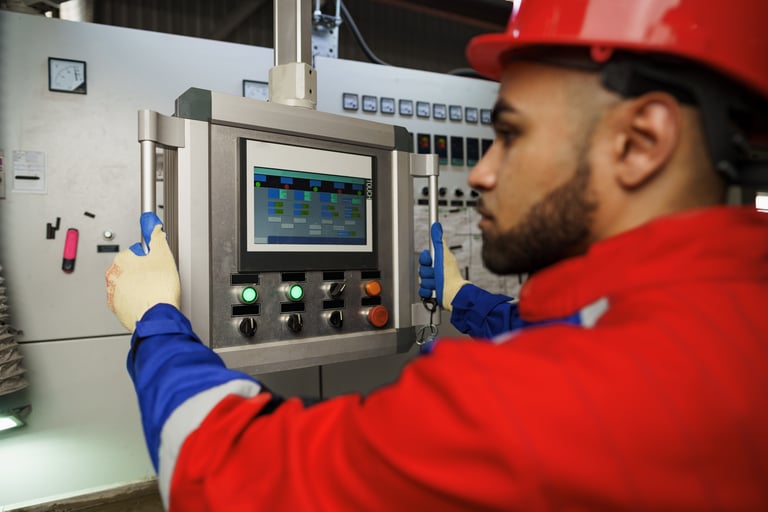
Industrial automation has long relied on the “panel on the door” model: a rugged touchscreen HMI mounted in a control cabinet or machine enclosure. That approach is still common because a digital graphical HMI is often the most practical way for people to monitor and control equipment, especially in harsh environments.
At the same time, plant networks, remote access expectations, and multi-device workflows are changing what “an HMI” can look like. One architecture that aligns well with these trends is the headless HMI.
What Is a Headless HMI?
An HMI (human-machine interface) is a user interface or dashboard that connects a person to a machine, system, or device. In industrial settings, HMIs visualize data, support alarming, and enable operators and engineers to supervise and control processes.
A headless HMI (also called “faceless”) has that same HMI capability without an integrated screen. Weintek describes a headless HMI as an HMI device that operates without a built-in display, intended to be controlled and monitored remotely using a web browser or an application. The “screens” are then viewed on external devices such as a smartphone, tablet, PC, or TV/monitor.
How It Works: Decouple the Runtime From the Display
In a traditional HMI panel, the compute (runtime) and the display are one device. A headless HMI separates them:
- The HMI runtime/host: runs the application, manages tags, alarms, trends, recipes, and user security.
- One or more clients: display the screens and pass operator input back to the runtime (touch panels, PCs, tablets, large monitors, etc.).
- The controls connection: the runtime communicates with PLCs and I/O/sensors to read values and write commands (setpoints, modes, start/stop requests, and so on).
In many modern platforms, those client connections can be “thin” and browser-based. ISA notes that HTML5-capable devices can display HMI data through browser access, allowing screens to be created once and distributed to many devices (local or remote), though cybersecurity must be addressed.
How You Would Deploy and Use a Headless HMI
A typical implementation looks like this:
- Pick where the HMI runtime will live. Common choices are a dedicated headless HMI appliance or an industrial PC/edge computer in the control panel. Some platforms also support deployment on virtual machines and across multiple form factors (panel, station, and web clients).
- Connect it to your control system. Configure drivers or gateways so the runtime can communicate with PLCs, controllers, and sensors, then build your tag model, alarms, and data collection strategy.
- Decide how people will view and interact. You can attach an external monitor (for a local station), deploy industrial thin clients/web HMIs, and enable access from authorized engineering workstations.
- Lock down access. Headless tends to increase the number of endpoints, so role-based access control, network segmentation, and secure remote access become design requirements, not add-ons.
Where Headless HMIs Are a Strong Fit
Headless HMIs are most valuable when you need flexibility in where screens appear—or when you want to separate “industrial compute” from “industrial display.” Practical industrial automation use cases include:
- Andon boards and status displays. A headless HMI can turn any HDMI-enabled display into a plant-floor status board, acting as the “brain” that collects data from PLCs/sensors and transmits it to one or more screens.
- Multiple operator stations on one machine/line. One runtime can serve several clients so operators, maintenance, and supervisors see the same live information, with permissions controlling who can change what.
- Harsh, washdown, or hazardous areas. Put the runtime safely inside the panel and select the best-fit display technology for the location (IP-rated stainless, sunlight readable, glove-friendly, etc.). If a display fails, it can often be swapped without touching the control-cabinet compute.
- OEM standardization and late-stage flexibility. Machine builders can standardize on one runtime “brain” and offer different display options depending on customer preference or plant standards, reducing SKU sprawl and rework.
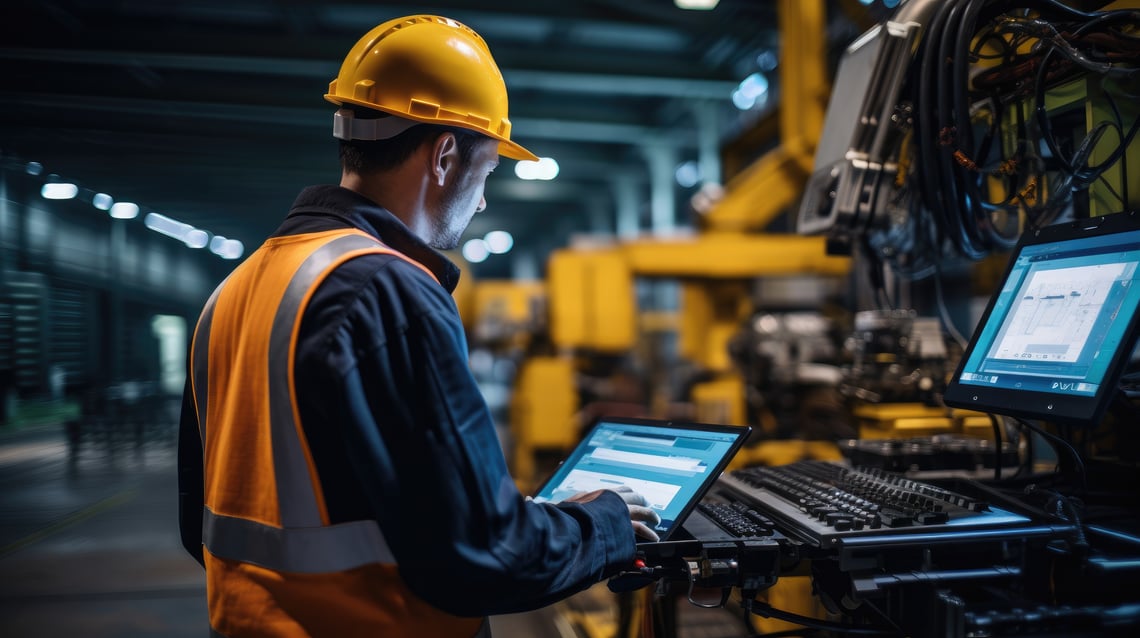
- Remote maintenance and troubleshooting. Because browser-based clients are increasingly typical, authorized personnel can view screens from engineering workstations or tablets without installing heavy client software everywhere, particularly useful for commissioning, support, and after-hours diagnostics.
Key Considerations Before You Go Headless
Headless is not automatically “better”; it is a tradeoff. Plan for:
- Network dependency: If a client loses connectivity, you may lose visibility/control at that station. Keep safety functions (E-stops, interlocks) independent of the HMI.
- Cybersecurity: More endpoints and more remote visibility mean stronger authentication, patching discipline, and segmented OT networks.
- UX across screens: Design graphics to be readable from the required distance (Andon) and usable on small devices (tablets). Test performance with real alarm and trend loads.
Bottom Line
A headless HMI is best thought of as “HMI as a service” running close to the machine, with one or many screens consuming it. When you need multi-station access, flexible display choices, or a clean path to browser-based visibility, headless can simplify deployments and make your operator interface more scalable—without changing the fundamentals of how an HMI connects people to automated systems.
Have Questions? We’re Here to Help!
Call 800-575-5562 today. Our solutions experts are ready to assist you.